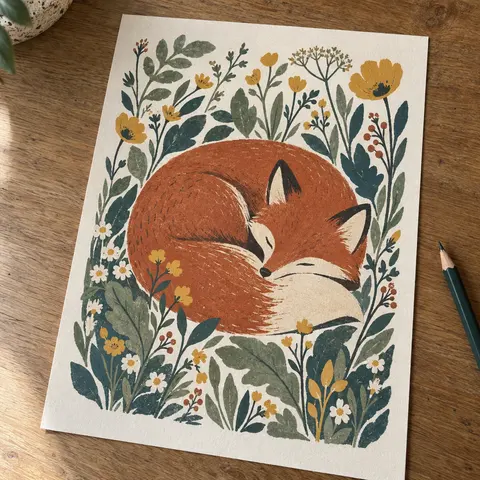
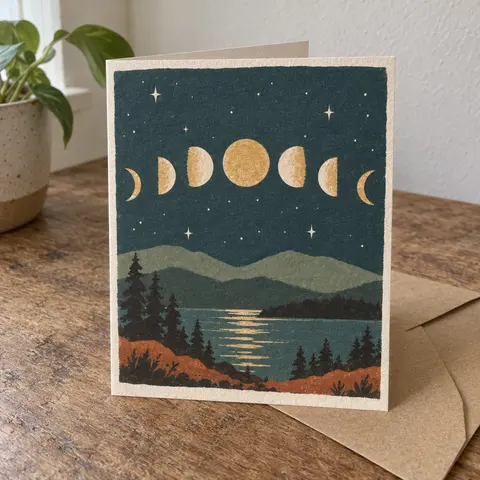
Start from your photos, not your title
Copies of handmade designs are often listed under generic titles, in another language, or with your own product photos. Searching by image finds things a keyword search never will.
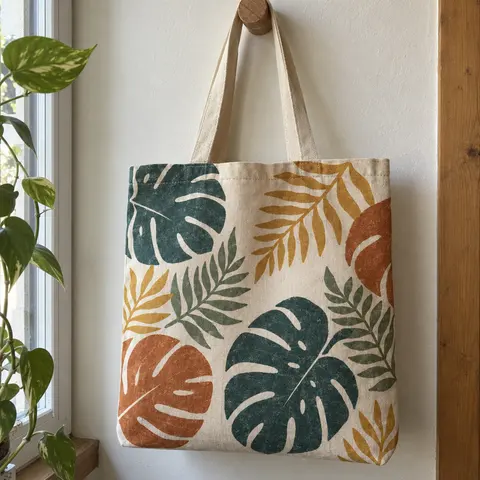
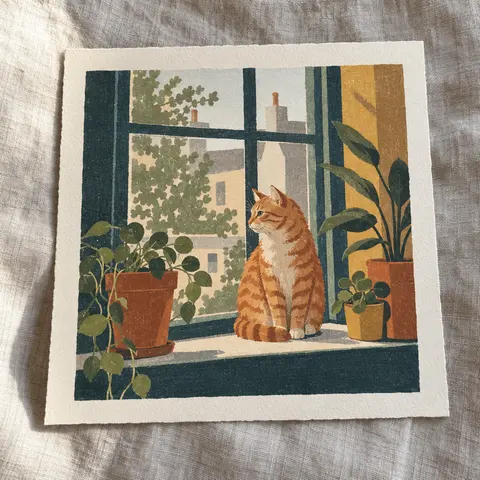
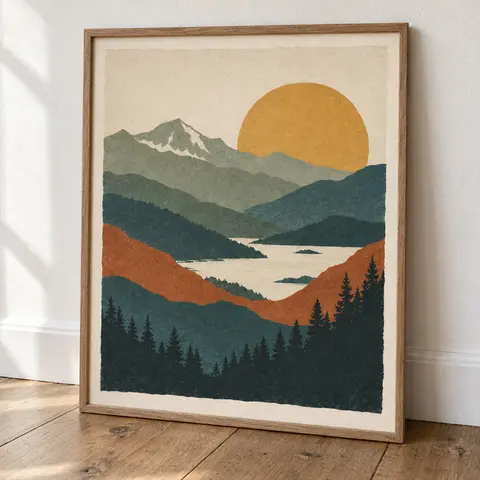
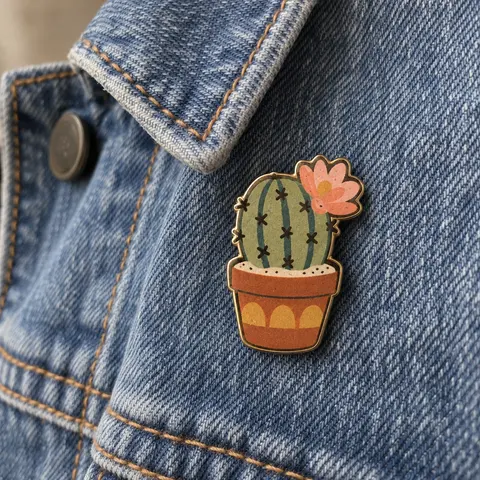
Pick 3 to 5 photos for each design you want to check:
- Your main listing photo, the one a copier is most likely to lift
- A plain, close crop of the design itself, without props or background
- One detail shot that shows something only your piece has
Keep the original files. If you do find a copy, the file dates help show when you made the work. Why dates matter explains which dates to keep.
Run a reverse image search on Google
Google's image search (Google Lens) shows websites that use the same image or a similar one. It works in Chrome, Firefox, Safari and Edge.
- On your computer, go to google.com.
- Click Search by image, then Upload a file, and pick your photo. You can also drag the file into the search box.
- Look through the results for matching and similar images, and the sites they are on.
- To narrow things down, type a word into the Add to your search box, for example the name of a marketplace.
Already looking at a page with your photo on it? In Chrome, right-click the image and choose Search with Google Lens.
Search inside the marketplace apps
Google does not see every marketplace listing. Several marketplaces have their own photo search in their phone apps, and those search their own catalogue directly:
- AliExpress
- In the AliExpress app, tap the camera icon in the search bar, then take a photo or pick one from your gallery.
- Amazon
- In the Amazon Shopping app, tap the camera (Amazon Lens) icon in the search bar and upload a photo. You can add words to narrow the results.
- Etsy
- In the Etsy app, tap the camera icon at the end of the search bar and take a photo or choose one from your library.
For Shein, search by keyword: your product type plus two or three words that describe the design, then scroll the image results. Copies often sit under very plain titles.
Then search with words
Copiers sometimes paste your listing title or description word for word. A few quick searches:
- Your exact listing title in quotation marks on Google
- An unusual sentence from your description, also in quotation marks
- Your product type plus the style words a buyer would use, on each marketplace
If you find a possible copy
Do not message the seller or post about it yet. Save the listing first, because listings can change or vanish.
- A full-page screenshot, with the date and time written down
- The listing link, and the shop or seller name
- Every photo on the listing, and the price
- Your own listing link and the date you first listed the design
Then use the marketplace's own form. We have step-by-step guides for AliExpress, Amazon, Shein and Etsy. Our note on the first hour after you find a copy covers the rest.
Make it a habit
Copies tend to appear after a design starts selling well. A short check once a month, and after any listing takes off, catches most of them early.
If the scan finds something, the Copycat Report is a one-off $29 for up to 20 photos. A person reviews every possible match, and you get dated captures and a worksheet for one marketplace form. If the review finds no possible matches, you get a full refund.
Sources
Official pages this guide is based on. We checked each one on 19 October 2026. Forms change, so if a step looks different, the marketplace's own page wins.
- Google Search Help: Search with an image on Google. Upload, drag and drop, and right-click search with Google Lens.
- About Amazon: How to use Amazon Lens. Photo search in the Amazon Shopping app.
- Etsy News: Search with images. Photo search from the camera icon in the Etsy app.
- AliExpress: Image search guide. Photo search from the camera icon in the AliExpress app.